
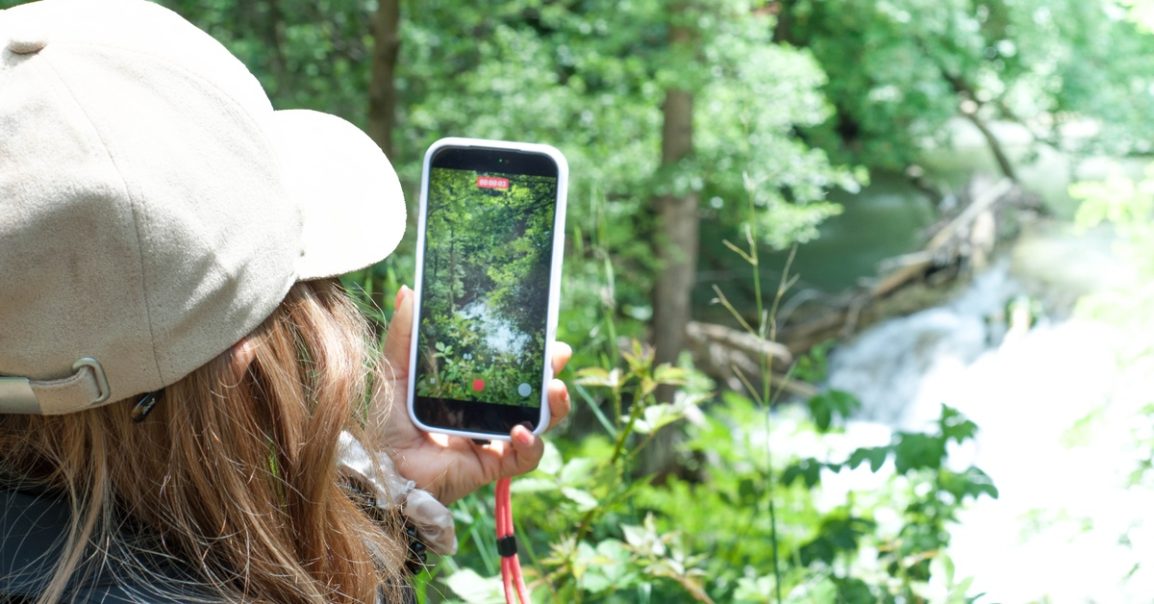
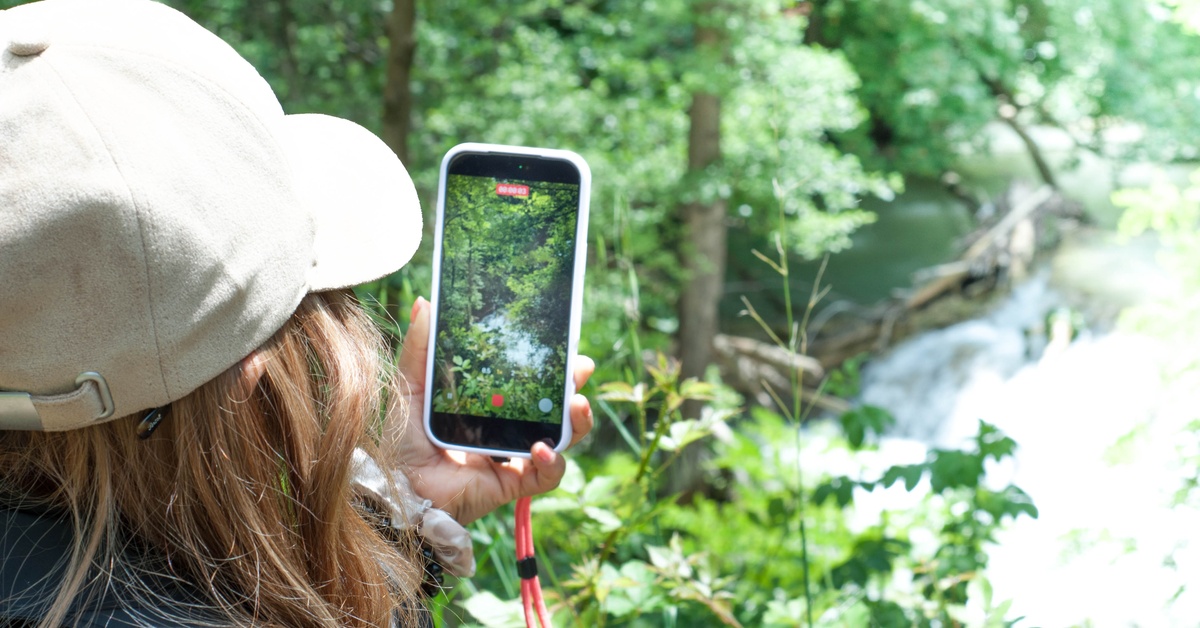
Nature photography gives you a chance to capture the world from your own perspective, whether you love taking pictures during family vacations or snapping photos while walking through your neighborhood. You might notice sunlight filtering through the trees or a colorful sky that looks too beautiful to forget. Yet when you pull out your phone, the picture doesn’t always match what caught your attention.
Learning how to take better nature photos with your phone can make those moments easier to capture. You don’t need an expensive camera or professional photography experience. With a little practice and a better understanding of how your phone works, you can create photos that reflect what you actually see.
Start by Paying Attention to Natural Light
Before taking a photo, notice where the sunlight falls and how it changes the appearance of your surroundings. Bright midday sunlight can create harsh shadows, especially when you’re photographing flowers or other objects up close. Softer light during the early morning or late afternoon can reveal details that strong overhead sunlight might hide.
Try photographing the same subject at different times of day to see how the results change. A tree might look ordinary under direct sunlight but develop interesting shadows when the sun sits lower in the sky. Experimenting with natural light teaches you to recognize opportunities before you even open your camera app.
Use the Seasons to Your Creative Advantage
When something catches your attention outdoors, your first instinct might be to point your phone directly at it and take a picture. Although that approach sometimes works, changing your position can make an ordinary scene much more interesting. Crouching beside a patch of wildflowers or photographing a winding trail from a lower angle can completely change the perspective.
You can use the rule of thirds to create a more balanced composition. Most phone cameras have an optional grid that divides the screen into nine sections. Try positioning your main subject near one of the intersections, leaving enough space around it to show the surrounding environment. The grid offers a starting point, but you can break the rule whenever another composition looks better.
Let Your Phone Focus on the Right Details
When you’re photographing something small, such as a butterfly resting on a flower, your phone might focus on the background and leave your intended subject blurry. Most smartphones allow you to tap the screen where you want the camera to focus. Taking a moment to choose the focal point can make a noticeable difference in your final image.
After selecting your subject, check whether your phone allows you to adjust the exposure by sliding your finger near the focus indicator. Lowering the brightness slightly can preserve detail in bright skies, while increasing it may reveal features hiding in shadows. Make small adjustments and compare the results before moving on.
Use the Seasons to Your Creative Advantage
One of the most interesting things about nature photography is that familiar places never look exactly the same throughout the year. Spring brings new growth and colorful flowers, while autumn changes the appearance of trees and landscapes. Even a neighborhood park can offer completely different photo opportunities depending on when you visit.
As you experiment with outdoor photography, pay attention to how seasonal conditions influence the images you can create. Different landscapes offer unique seasonal photography opportunities, particularly when changing foliage or weather alters the scenery. You can apply the same idea close to home by returning to a favorite outdoor location throughout the year and photographing how it changes.
Seasonal photography can become a creative project of its own. Choose one tree, walking path, or garden and photograph it from the same position every few weeks. Comparing the images later gives you a visual record of changes you might otherwise overlook.
Get Closer Without Relying on Digital Zoom
When you spot an interesting subject in the distance, zooming in might seem like the easiest way to capture it. However, digital zoom can reduce image quality because your phone may enlarge part of the picture without capturing additional detail. Depending on your phone’s camera system, moving closer can produce a sharper result.
For stationary subjects, try approaching slowly and adjusting your framing before taking the photo. You might capture the texture of tree bark or the delicate patterns on a fallen leaf more clearly from a shorter distance. If you’re photographing wildlife, maintain a safe distance and avoid disturbing animals for the sake of a picture.
Some phones include macro photography features that allow you to focus on subjects at very close range. If your device supports this option, experiment with photographing flower petals or water droplets. Small details can become fascinating subjects when you give them enough attention.
Keep Your Photos Steady and Your Lens Clean
Even when you find beautiful lighting and an interesting subject, camera movement can leave your photo looking blurry. Holding your phone with both hands provides more stability, particularly when you’re photographing something in lower light. You can also rest your elbows against your body or lean against a stable surface when taking a picture.
Before heading outside, check your phone’s camera lens for fingerprints or smudges. Since phones spend so much time in pockets and bags, the lens can collect residue that affects image clarity. Gently wiping it with a clean microfiber cloth can improve the appearance of your photos without requiring any special equipment.
If you’re taking pictures in windy conditions, wait for a brief moment when your subject stops moving. Flowers and leaves can shift quickly, making it difficult to capture sharp details. Taking several photos gives you more chances to get the image you want.
Edit Your Photos Without Losing Their Natural Look
After taking your photos, you might notice that certain colors appear duller than they did in person. Your phone’s built-in editing tools can improve brightness and contrast while preserving the scene’s original appearance. Start with small changes and compare your edited photo with the original to see whether the adjustments improve it.
Cropping can also strengthen a photo by removing distracting objects near the edges. If a beautiful landscape includes an unwanted trash can or a large section of empty pavement, adjusting the crop may bring more attention to the scenery. Try to preserve enough surrounding detail that the image still feels natural.
Although filters can create interesting effects, you don’t need dramatic editing to make every photograph stand out. Sometimes the most appealing images capture the colors and atmosphere you remember from the moment.
Make Nature Photography Your Own Creative Hobby
As you become more comfortable using your phone’s camera, challenge yourself to photograph subjects you normally overlook. You could spend an afternoon searching for interesting shadows or experiment with reflections after a rainy day. Giving yourself a small creative challenge encourages you to notice details beyond the most obvious scenery.
The best part of learning how to take better nature photos with your phone is discovering that you already have a useful creative tool with you. Every outdoor experience offers another opportunity to experiment with perspective and develop your personal photography style. You don’t need every picture to turn out perfectly, because each attempt teaches you something about the way you see the world.

