Every time a nurse swabs your throat for strep, you take a pregnancy test, or a doctor orders bloodwork before a sports physical, you’re relying on a test that took years to build. Most people never think about where those tests come from, and honestly, why would they? The result pops up in a few minutes or a few days, and life moves on. But behind that little line or lab printout is a long chain of scientists, volunteers, and regulators who all had to agree it works.
Knowing how a test gets made helps you understand what your results can and can’t tell you. It also shows why “99% accurate” on a box doesn’t always mean what you’d think. Here’s the journey a medical test takes, from a lab idea to the shelf at your local pharmacy. Along the way, you’ll meet a lot of science careers you may not have known existed.
It Starts With a Target
Every diagnostic test is built to find something specific in your body, called a target or analyte. For a pregnancy test, it’s a hormone called hCG that shows up in urine after an embryo implants. A strep test looks for proteins from the bacteria that cause strep throat, and a COVID test looks for pieces of the virus. Scientists have to decide early what the test will detect, what kind of sample it’ll use, and who it’s meant for, because every later step depends on those choices.
The FDA calls these products in vitro diagnostics, which literally means “in glass,” since they analyze samples outside the body. Regulators sort them into three risk classes based on how much control is needed to make sure they’re safe and effective. A low-risk test might need fairly light review, while a test where a wrong answer could lead to a serious missed diagnosis faces much stricter scrutiny. That risk level shapes how much evidence developers will eventually need to gather.
Building It in the Lab
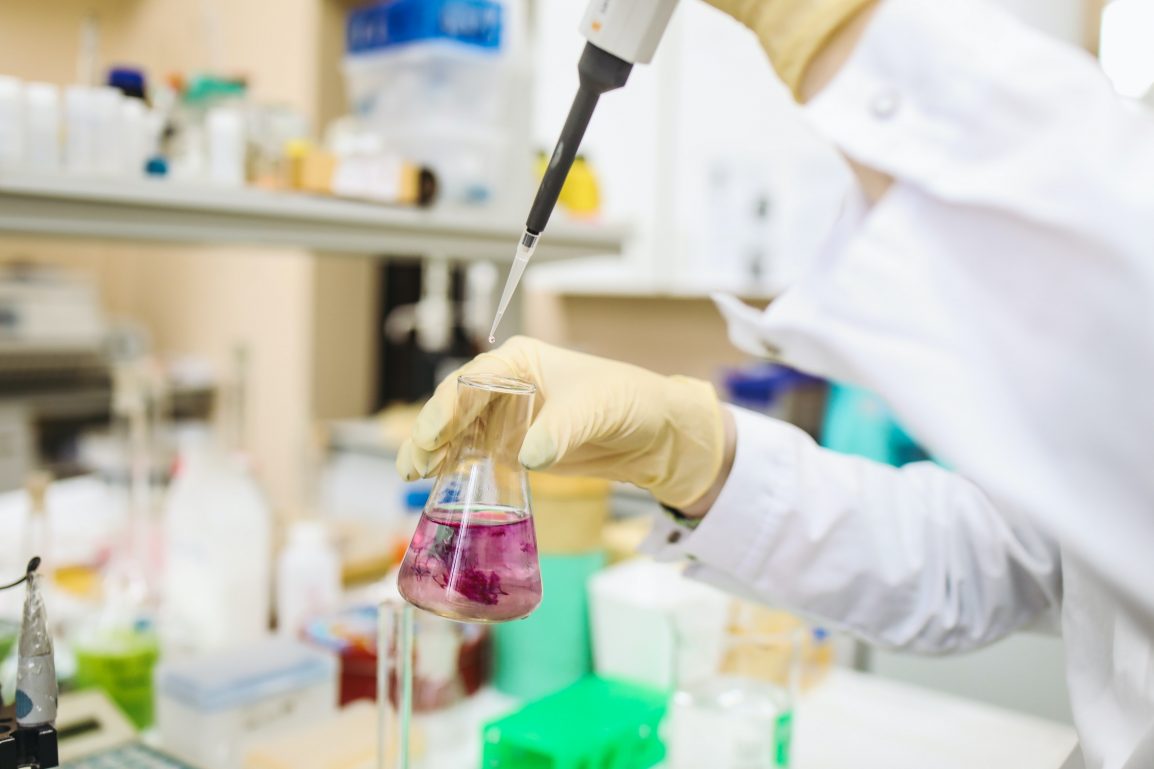
Once the target is picked, scientists start designing the chemistry that’ll detect it. Early on, they usually work with contrived samples, which are lab-made mixtures where a known amount of the target is added to a liquid like buffer or donated urine. These samples are useful because researchers know exactly what’s in them, so they can figure out the lowest amount the test can catch. The catch is that a lab mixture is a lot tidier than what comes out of an actual person.
Real blood, spit, and mucus are messy. They contain clots, proteins, medications, and natural variation from person to person, and the target itself can look slightly different in a real body than it does in a lab standard. A test that works beautifully on spiked samples can lose sensitivity or clog up the moment it meets the real thing. That’s why experts push for testing diagnostics on real patient samples from the earliest stages, when fixing a problem costs a protocol tweak instead of a full redesign.
For an at-home test, engineers also have to make the whole thing work for someone with zero training. A pregnancy or COVID test strip uses tiny antibodies that grab onto the target and trigger a colored line, and the strip has to wick the sample at just the right speed for that reaction to happen. The design team studies how people hold the stick, how long they actually wait, and how they read a faint line. Small choices, like the size of the result window or the wording on the instructions, can change how accurate the test is in real hands.
Testing It on Real People
After lab work, the test moves into clinical studies, where it’s tried on samples from real patients and compared against a trusted reference method. Researchers focus on two key numbers. Sensitivity is how often the test correctly catches people who have the condition, and specificity is how often it correctly clears people who don’t. A test with low sensitivity misses cases, while one with low specificity sends healthy people into a panic over false alarms.
Researchers also have to pick a cutoff, the point where a result officially counts as positive. Set it too low and the test flags people who aren’t sick, but set it too high and it misses early or mild cases. Getting that line right takes samples from people who are right on the edge, such as someone a day or two into an infection. Clean, obvious samples make a test look great on paper, while the borderline ones show whether it’ll hold up at the clinic.
Who’s in these studies matters a lot. If a test is meant for teens, it needs to be checked on samples from teens, and if it’s meant for everyone, the study group has to reflect that range. Women have a long history of being left out here, since U.S. clinical trials weren’t required to include women until 1993, which helps explain why so much about the female body still puzzles doctors. Hormone levels, menstrual cycles, and pregnancy can all affect how a test performs, so leaving women out creates real blind spots.
Lab results are also only half of the story in many studies. Doctors care about whether a result lines up with how a patient actually feels and functions, especially when a test is used to track a disease or guide treatment. Many research teams now capture that side with electronic clinical outcome assessments, or eCOA, which let participants log symptoms on a phone or tablet the moment they happen. Pairing timestamped symptom reports with test results gives researchers a clearer picture than either one could on its own.
Getting the Green Light
When the data’s in, developers submit it to the FDA. Many tests go through a pathway called a 510(k), where the company shows its test performs about as well as a similar one already on the market. Brand-new kinds of tests with no comparison point can go through a De Novo review, and the highest-risk tests need full premarket approval, where the FDA looks closely at how false positives and false negatives could affect patients. Reviewers dig into accuracy, precision, and whether the test reliably detects its target and only its target.
The FDA also decides how complicated a test is to run. Simple tests, like home pregnancy tests and many rapid strep tests, can be “waived,” meaning they’re easy enough to use outside a high-tech lab. More complex tests have to be run in certified labs with trained staff, proficiency testing, and regular inspections. That’s why some results come back in five minutes at the clinic while others take days.
After It Hits the Shelf
Approval doesn’t mean the work is over. Companies keep tracking complaints and performance, and problems sometimes surface only once millions of people start using a test. Real-world use always reveals things a controlled study can miss, like people reading results too early or storing kits in a hot car. Your part in this is reading the instructions all the way through, even if you’ve used a similar test before.
Home pregnancy tests show what can happen when box claims and real life don’t line up. In a study of 18 home pregnancy tests, only one brand detected the lowest hCG level researchers tried, and brands that needed higher levels would have caught only about 16% of pregnancies on the day of a missed period. That’s a big gap from the “over 99% accurate” claims manufacturers were making at the time. The study is from 2004 and tests have improved since, but it’s still a solid reminder that accuracy depends on when and how a test is used.
Timing is the biggest factor for pregnancy tests in particular. hCG levels climb over the first few days after a missed period, so testing too early can give a negative result even when someone is pregnant. If you’ve had unusual bleeding, it helps to know the signs for telling a period from pregnancy bleeding before you rely on a single negative test. When in doubt, retesting a few days later or checking with a doctor is the safer move.
The People Behind the Results
Every step in this process depends on people with very different skills. Assay scientists design the chemistry, engineers build the cartridges and readers, clinical research coordinators run the studies, data managers organize the results, and regulatory specialists build the case for the FDA. Lab technologists then run many of these tests every day in hospitals and clinics. If you like biology, chemistry, or even organizing information, there’s probably a role in diagnostics that fits.
The next time you get a test result, you’ll know it’s the product of years of work, a lot of real-world samples, and plenty of volunteers who agreed to help. That knowledge makes you a smarter patient, too. You’ll know to ask how accurate a test is, whether timing matters, and what to do if the result doesn’t match how you feel. That’s a pretty useful skill to have, no matter what career you end up in.